For Teachers6 min read

Best Kahoot Alternatives for Teachers (2026)

Kahoot popularised the live classroom quiz, but teachers increasingly want more: questions generated for them, explanations that teach, and zero setup friction for students. Here's what to look for in a Kahoot alternative - and how to run a live quiz in minutes without any student accounts.

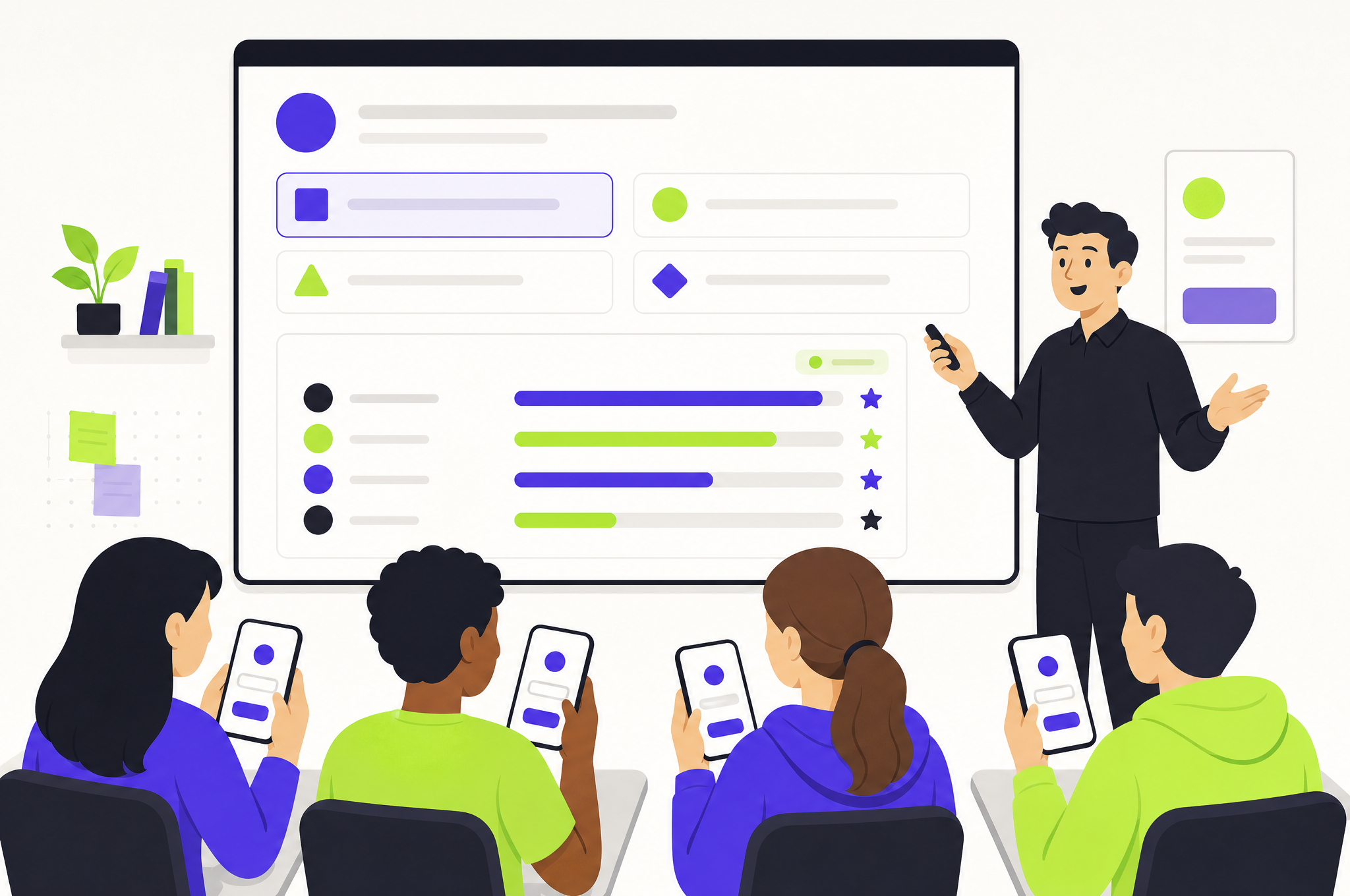
A teacher hosting a live quiz on a big screen with a question and live leaderboard while students answer on their phones

What actually matters in a classroom quiz tool

  • No student accounts - students should join with a code in seconds, on any device.
  • AI question generation - type a topic and get a full quiz, instead of hand-writing every question.
  • Explanations on every answer - so the game teaches, not just scores.
  • Live leaderboard and pacing control to keep the room engaged.

Why explanations change the game

A standard live quiz tells students their score. A quiz that explains every answer turns each question into a micro-lesson - students learn why they were wrong in the moment, when it sticks best. That single feature is the difference between assessment and teaching.

How to run a live quiz in minutes

  • Create a free teacher account and type your lesson topic - AI writes the questions.
  • Share the room code; students join at quff.in/join with no downloads or sign-ups.
  • Run the room, watch the live leaderboard, and let the AI tutor explain answers to each student.

The bottom line

Now go test yourself

The best Kahoot alternative for you is the one that removes the most work while adding the most learning. If a tool generates the questions for you, explains every answer to each student, and lets a class join in seconds with no accounts, you get the engagement of a live quiz plus the teaching a plain game can't offer.

See the difference for yourself in about a minute. Generate a quiz on your next lesson topic, host a live room, and watch students learn from every answer - not just chase points.

FAQs

Frequently asked questions

Is there a free Kahoot alternative with AI questions?

Yes - QUFF lets teachers generate a quiz on any topic with AI and host a live room for free, with students joining by code and every answer explained.

Do students need accounts to join a live quiz?

No - on QUFF students go to quff.in/join, enter the room code, pick a name and play. No accounts or downloads.

What makes a good Kahoot alternative for classrooms?

AI question generation, an explanation on every answer, no student accounts, and live pacing and leaderboard controls.

Is QUFF free for teachers?

Yes - creating an account, generating AI quizzes and hosting live classroom rooms are all free, and students never need accounts.

How is QUFF different from Kahoot?

The live-room flow is familiar, but QUFF generates the questions for you with AI and explains every answer to each student - so the game teaches, not just tests.

Can I use a Kahoot alternative for online or remote classes?

Yes - students join a QUFF room with a code on any device, in person or remote, making it work for hybrid and online classrooms as well as physical ones.

Do I need to prepare the questions in advance?

No - type your lesson topic and the AI writes a full quiz in seconds. You can also host any ready-made quiz from the QUFF library instead of building one.

What subjects can I make a classroom quiz on?

Any subject - from Photosynthesis to the French Revolution to Java. The AI builds calibrated questions with explanations for whatever topic you type.

Related quizzes

Put it into practice

Keep reading

Related articles

Browse all articles →

Test yourself in two minutes

Six adaptive questions, every answer explained by an AI tutor. Free.

▶ Start an AI quiz